Day 8: Setting Up a WordPress Login
Now, let’s set a password just for our WordPress site, so you don’t always have to log in to your hosting account to get to the backend of your website.
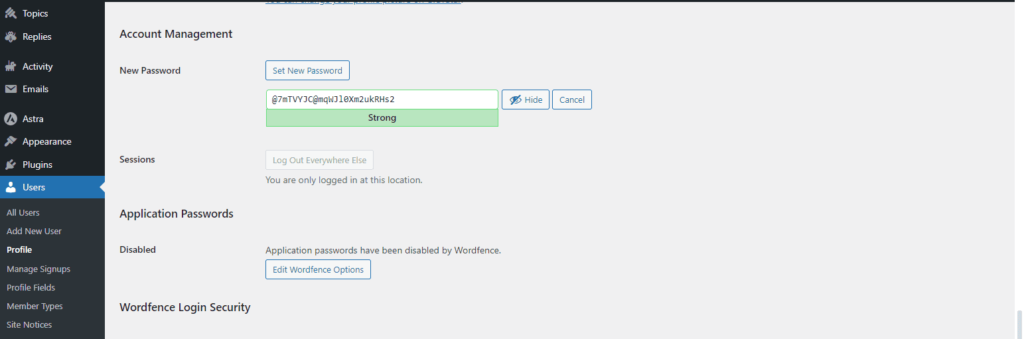
Go to your Users > Profile > Set New Password. I recommend going with one of the suggested strong passwords and having your browser remember it so you don’t have to.
Now you can log in to your backend in 2 ways.
- You can go through your hosting account and click “Edit My Site.”
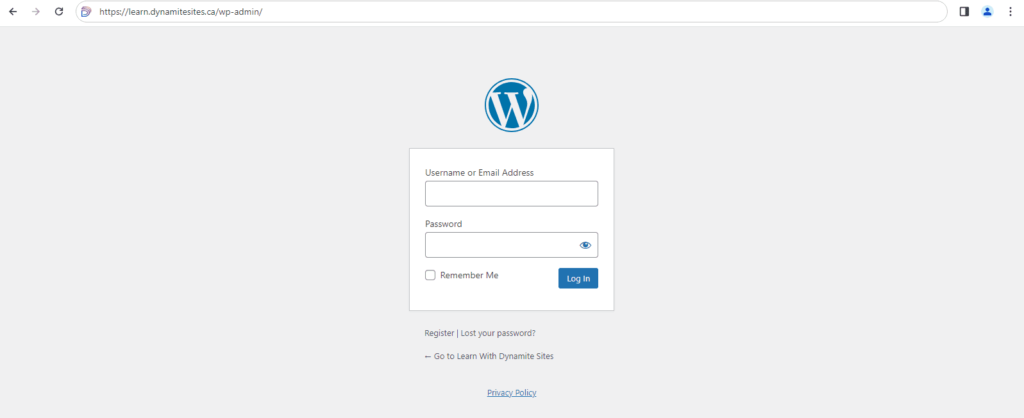
- You can type in your temporary or official domain and add “/wp-admin” to get to the login screen for the backend. For example, “www.mydomain.com/wp-admin.”